
Pergola configurator
3D pergola configurator, in your customer's own yard
A pergola is a large purchase the buyer has to picture before it exists. Situvista puts your model on their own terrace: true to scale, against their house, with the sun where it really stands. They walk around it on their phone before they say yes.
Why the backdrop matters
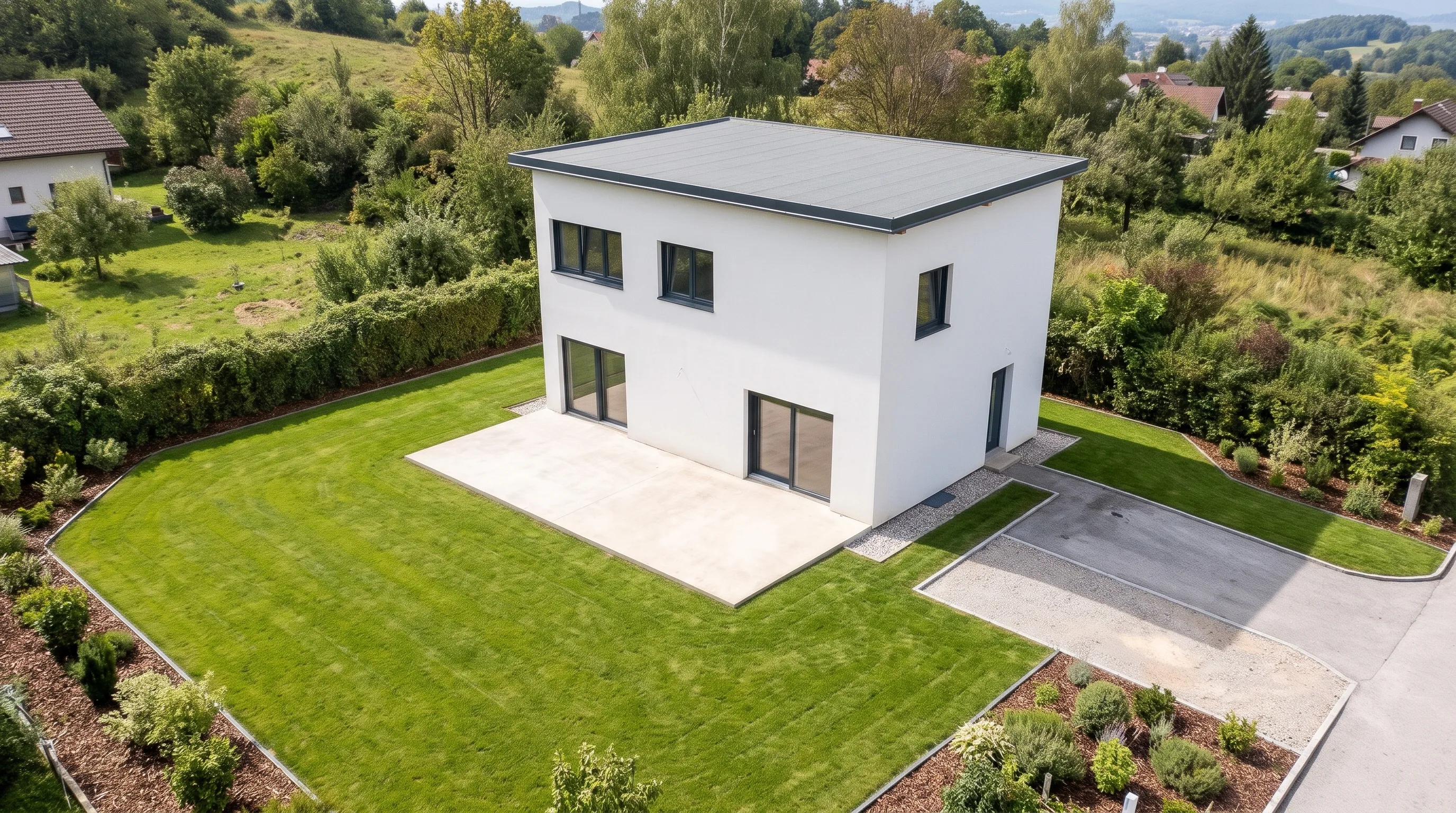
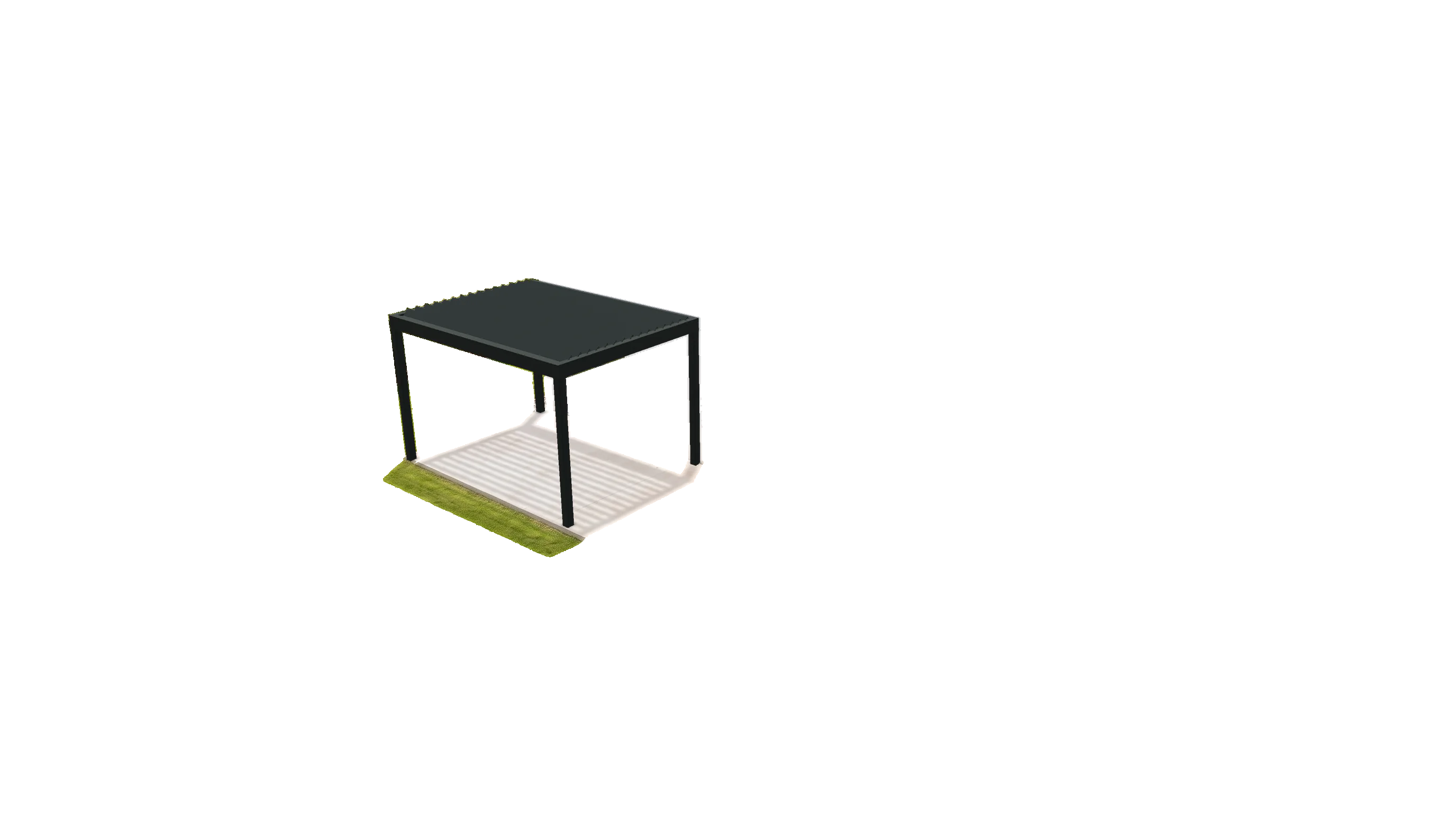
A pergola on a blank background, or on their terrace
A usual pergola configurator
- The pergola floats on a grey or white backdrop, at a size the buyer has to imagine.
- The house wall, the windows and the step down to the lawn are not there.
- Shade is a promise in the brochure, not something they can see.
- Someone still drives out to find out what actually fits.
Situvista
- The pergola stands in a 3D scene of the customer's own terrace, scanned to scale.
- It sits against their wall, under their eaves, with its posts on their paving.
- The sun is placed from the scan's time, GPS position and compass, so the shade falls where it will.
- You quote from the scan, and drive out to measure once they have said yes.
What the configurator does
Built around how pergolas are sold
- 01
Draw it by its outline
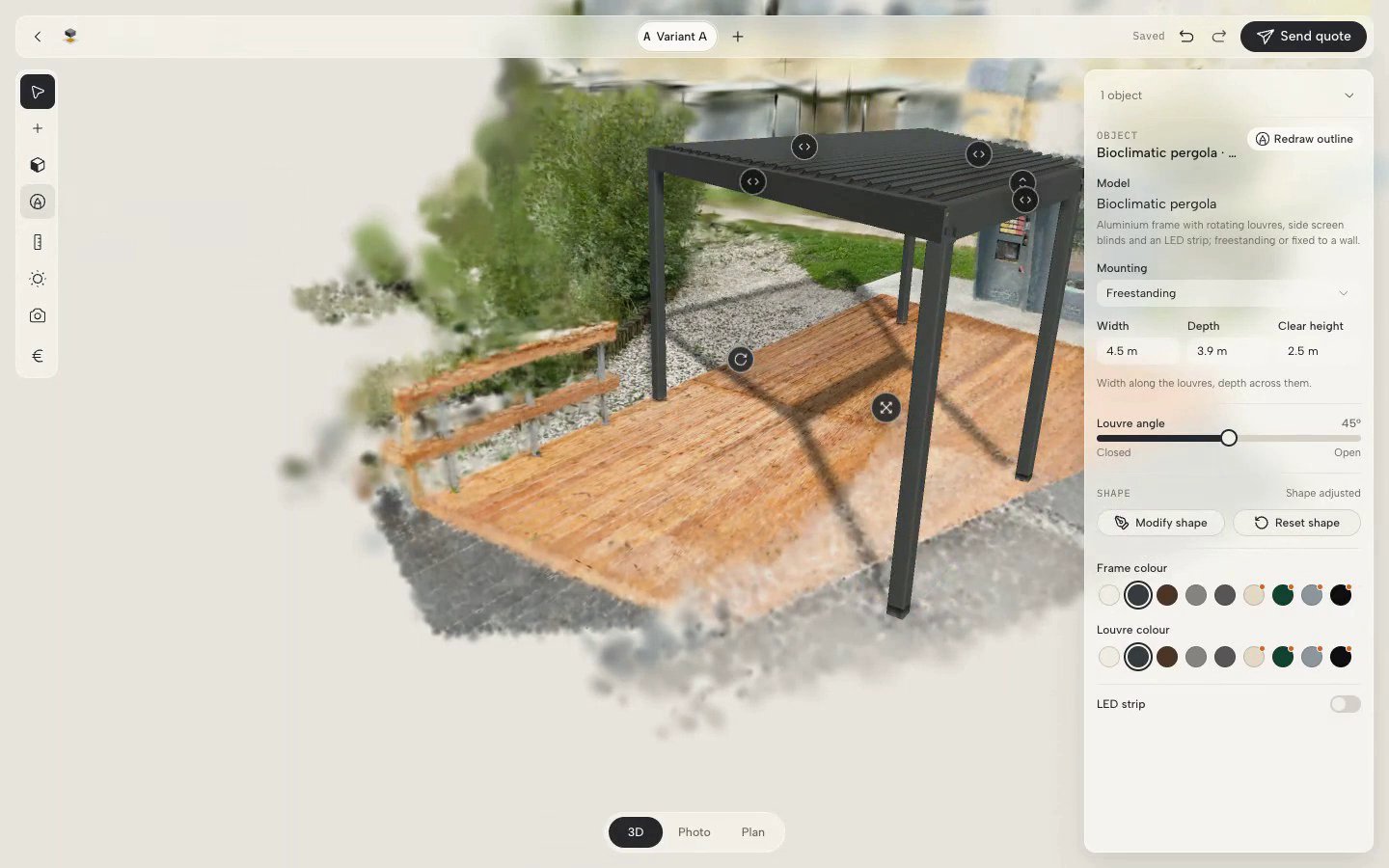
Two clicks set the back edge against the house, a third sets the depth. The size snaps to the nearest size the model is sold in, and a notice says so. Not a rectangle? Click four corners and move them later with Modify shape.
- 02
Your models, colours and options
Louvred bioclimatic pergolas, freestanding or on the wall, and pergolas with a retractable fabric roof. Frame and louvre colours, LED lighting and screen blinds come from your own catalogue and prices.
- 03
Posts that reach uneven ground
Where the terrace steps down or slopes, each post takes its own length, and the bill of materials lists each one cut to length.
- 04
Variants on one link
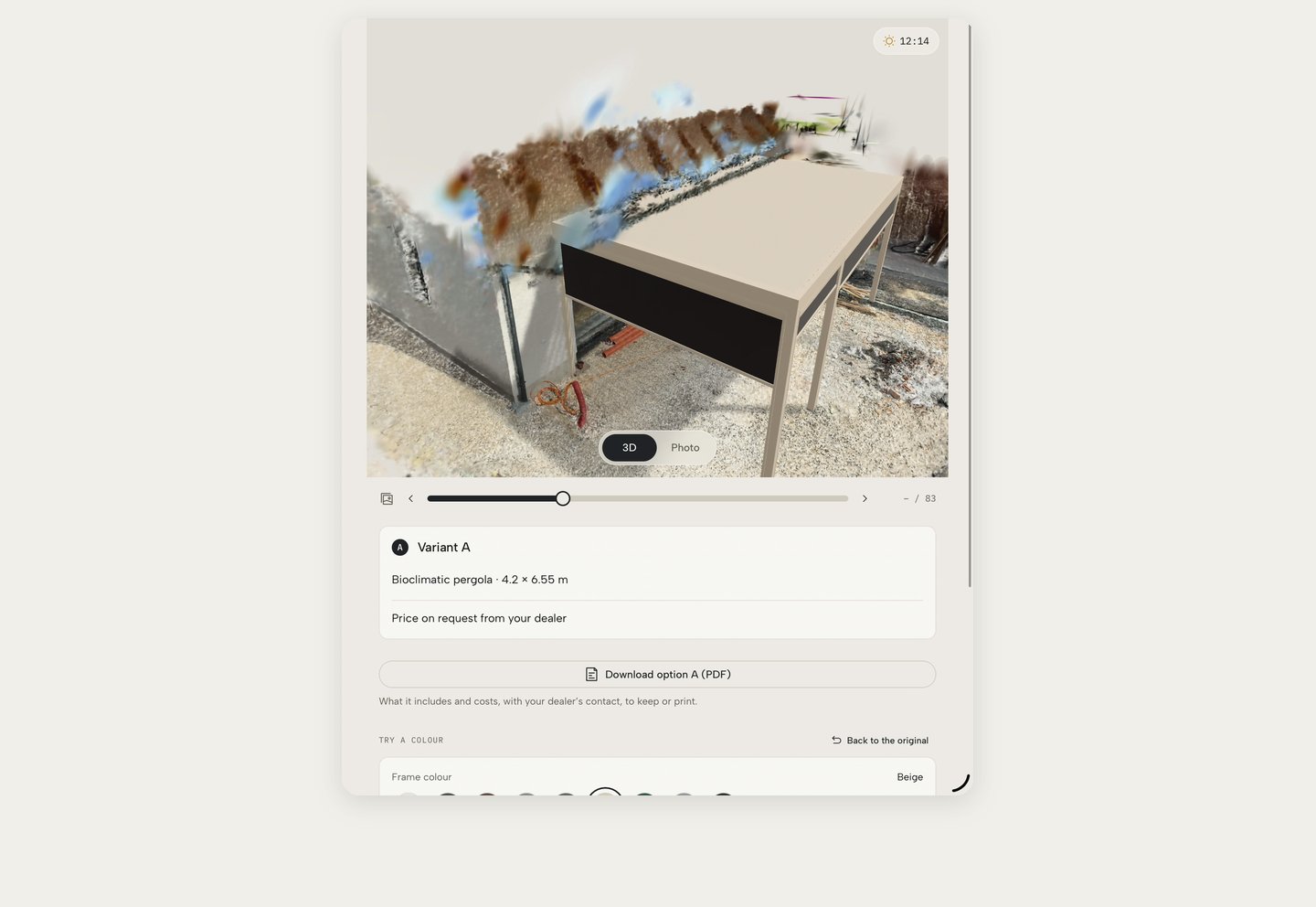
Louvres or fabric, anthracite or white, larger or smaller: each is a variant in one project. The customer gets one link with options A, B and C and a PDF of each.
- 05
AR on the terrace
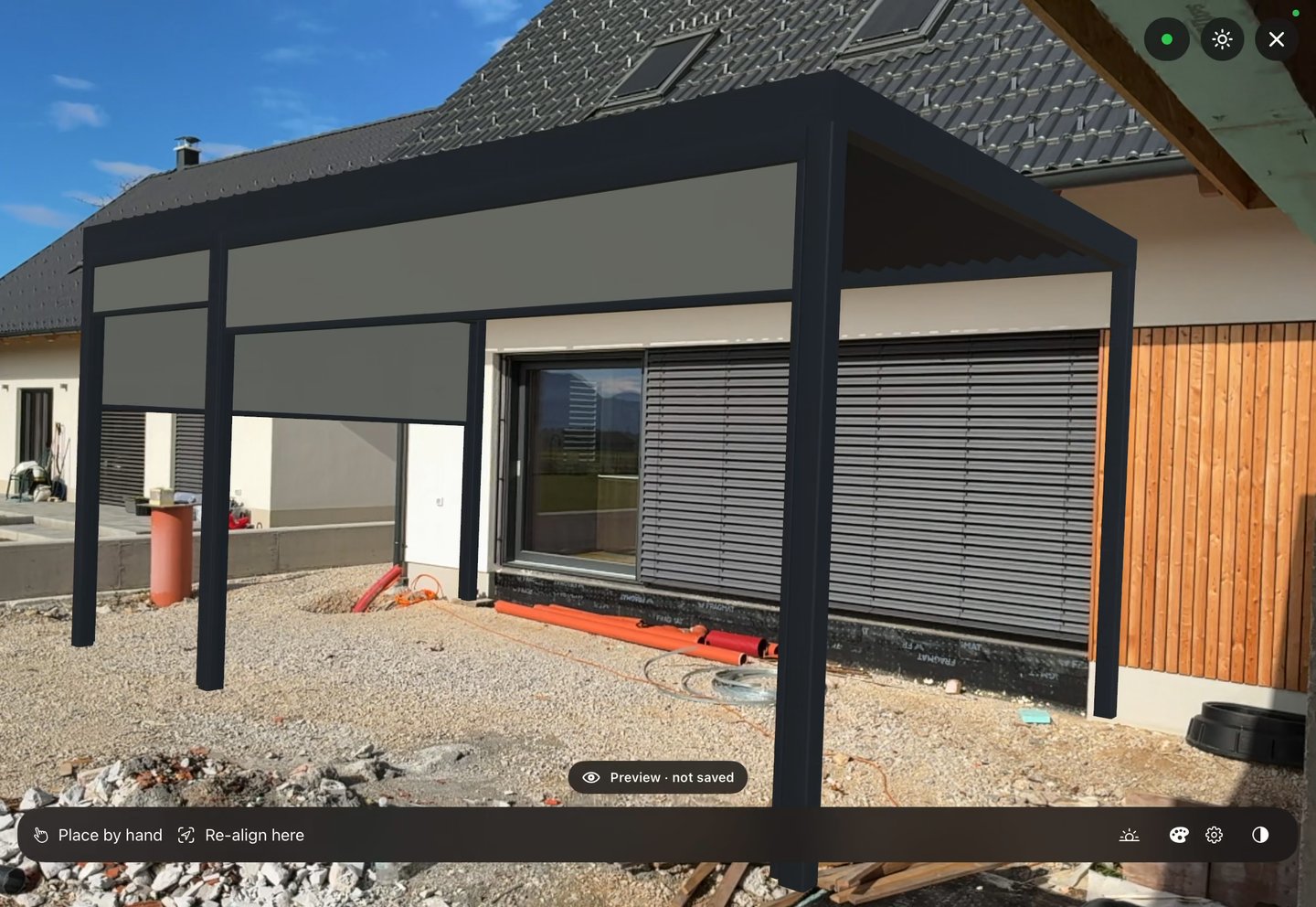
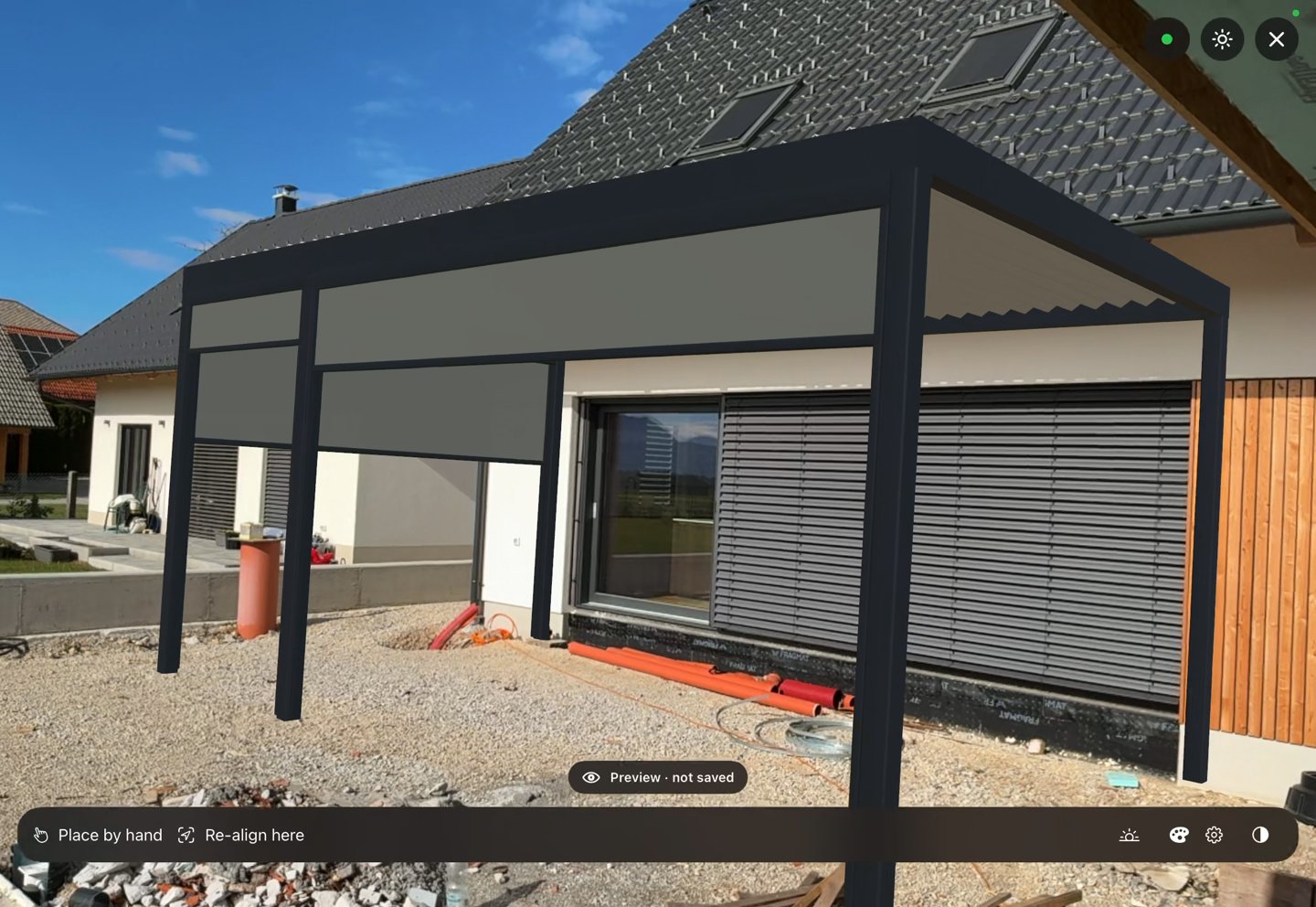
In the staff app on an iPhone or iPad, the design stands full size where it was planned. Change the colours standing under it and save them to the variant.
- 06
An order list, not a sketch
Every variant has a bill of materials: frame, roof, screens and lighting, as a PDF, a spreadsheet, a CSV for your ERP and a DXF for CAD.
Sun and shade
Every pergola buyer asks where the shade will be at five.
The scan carries its time, its GPS position and compass north, so the studio knows where the house stands and where the sun is above it. Drag the hour or play the whole day, and the pergola's shadow moves across the scanned terrace.
Louvres and screens cast real shadows, not painted ones: tilt the louvres or lower a screen and the shade on the ground changes with them.
- Shade for any date and hour, from the real sun position
- The louvre angle and the screen height change the shade
- The presentation link can play the shade through the day
How it works
From an enquiry to a confirmed pergola
- 01
The enquiry comes in
From your website, or added by your team after a call. Every lead lands in one dashboard.
- 02
The terrace is captured
A capture link opens a guided scan on the customer's iPhone, or your salesperson walks the site with the staff app.
- 03
You design the pergola
Draw the outline, pick the model, colours and screens, add a variant. About 15 minutes from scene to quote.
- 04
The customer explores it
One link in the browser: their terrace in 3D, the options, colours to try. You see what they opened and changed.
- 05
One visit, then the order
The final measurement is one visit, for a project the customer has confirmed. Then the order goes out.
Stories
Recorded on real pergola projects
 0:10
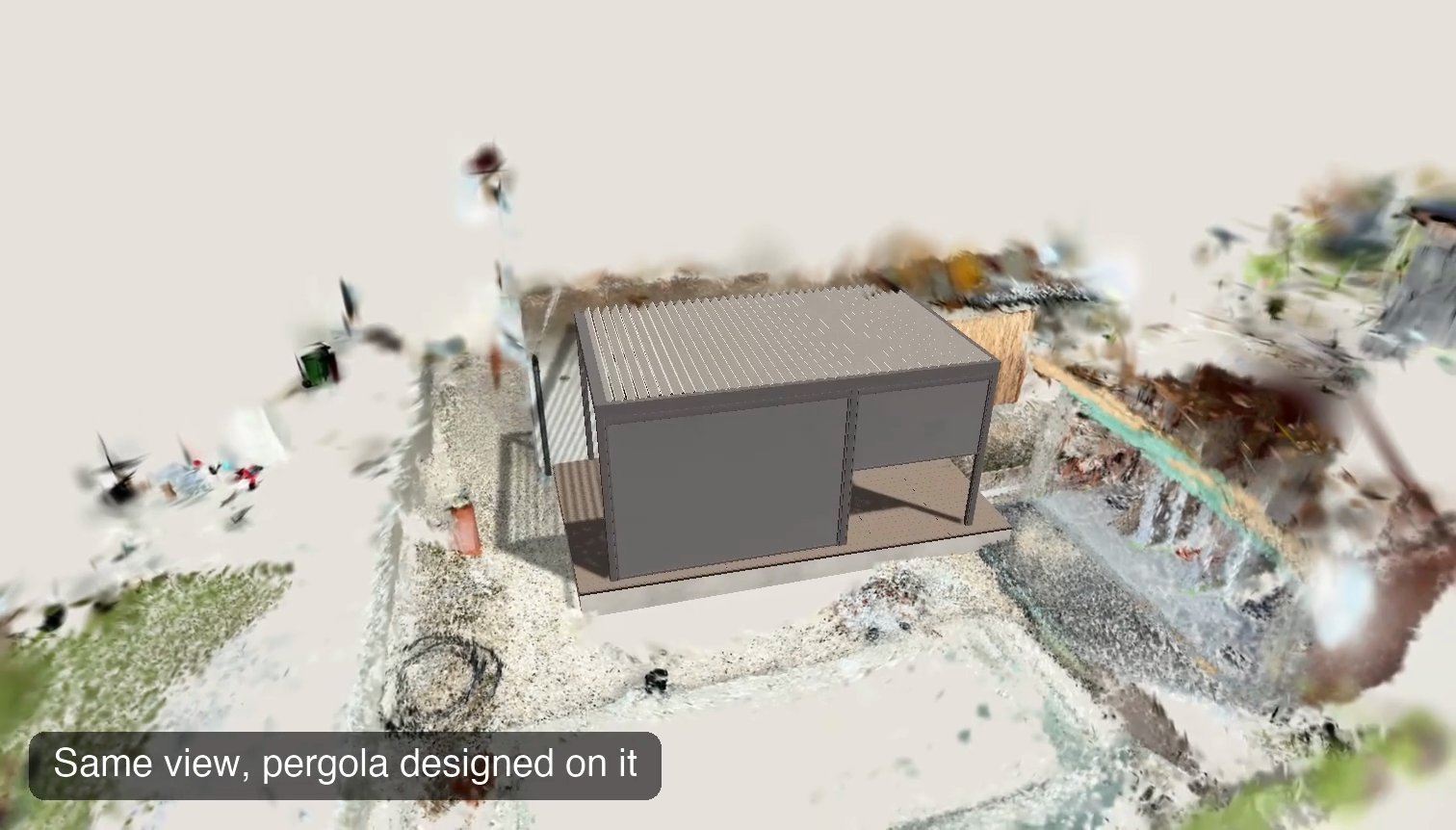
Same scan. Same camera. One with a pergola.
One camera path from the studio, over the bare scan and over the design.
 0:40
Three clicks, one pergola
Draw a pergola by its outline on the ground: two clicks for the back edge, one for the depth.
 0:59
Change the design standing on the terrace
The design stands on the terrace in AR, full size, and its colours change right there.
 1:12
Watch us build a pergola live
A live site visit on a pergola dealer's iPad, from the first scan to the quote.
 0:58
What the customer opens
A link, with no account and no app: the customer's own yard in 3D, with the pergola in it.
Questions
Pergola configurator questions
- Do I need a 3D scan, or are photos enough?
- Photos give a visual proposal of the pergola in their yard. A scan, from the customer's iPhone or your staff app, is true to scale, so it also carries an indicative quote. Scans come with the Advanced and Professional plans.
- How accurate are the sizes from a scan?
- Within a few centimetres of the scan: good enough to design against and to give an indicative quote. The measure tool shows each length with its estimated uncertainty. The final measurement is still taken at the visit, before anything is ordered.
- Can it show our own pergola models and prices?
- Yes. Once we agree to work together, we build your range into Situvista: your models, sizes, colours, fabrics and options, with your prices. It is a one-time setup fee on top of the plan.
- Does the customer have to install anything?
- No. The capture link opens a guided scan on an iPhone with nothing to install; LiDAR gives the best result. The presentation link opens in any browser, with no account.
- Will the customer see our prices?
- Only as you choose: hidden, as a from price, or exact, set per dealer. It is marked indicative until the final measurement.
- Is it a bioclimatic pergola configurator?
- Yes: louvred roofs with their louvre angle, freestanding or wall-mounted, side screen blinds and LED lighting, with the louvres' shade simulated through the day. Pergolas with a retractable fabric roof work too.
Read next
Before you decide

See it on a real lead
Bring one real lead. We build the scene with you.
A 30 minute call: we prepare a quick demo with one of your products, you send a capture link to a real customer, and we walk through the result together. Once we decide to work together, we set up your full range.